

If you feel an Idea is more suitable for another Challenge, you can simply move the Idea from one Challenge to another.
Move an Idea
- Open the Idea you want to move.
- Click More Actions
 and select Move or Copy.
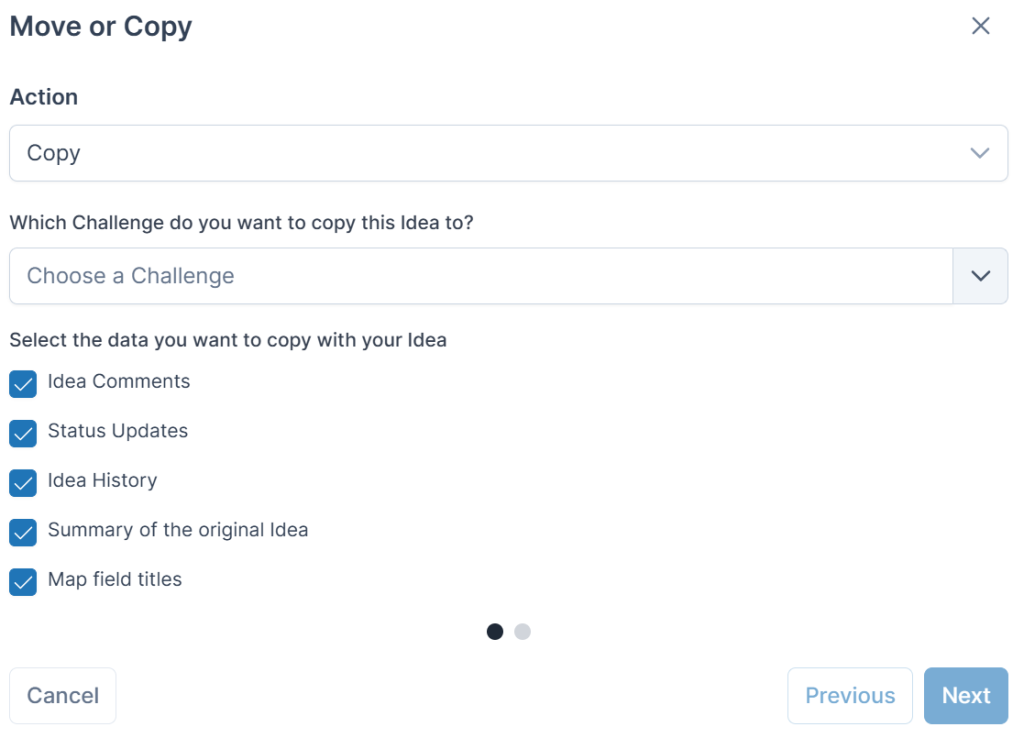
 - Select Move as the Action.
- Choose the destination Challenge.
- Select the destination Stage.
- Select the data you want to move with the Idea.
- Click Next.
- Map the existing form fields to the fields available in the destination Stage.
- Click Confirm.
Note: Only open Stages are available when selecting the destination Stage.
If you do not map an existing form field to a field in the destination Stage, that data will not be copied across.
See also