

You can copy the Idea from one Challenge to another while keeping the original Idea in its current Challenge.
Copy an Idea
- Open the Idea you want to copy.
- Click More Actions
 and select Move or Copy.
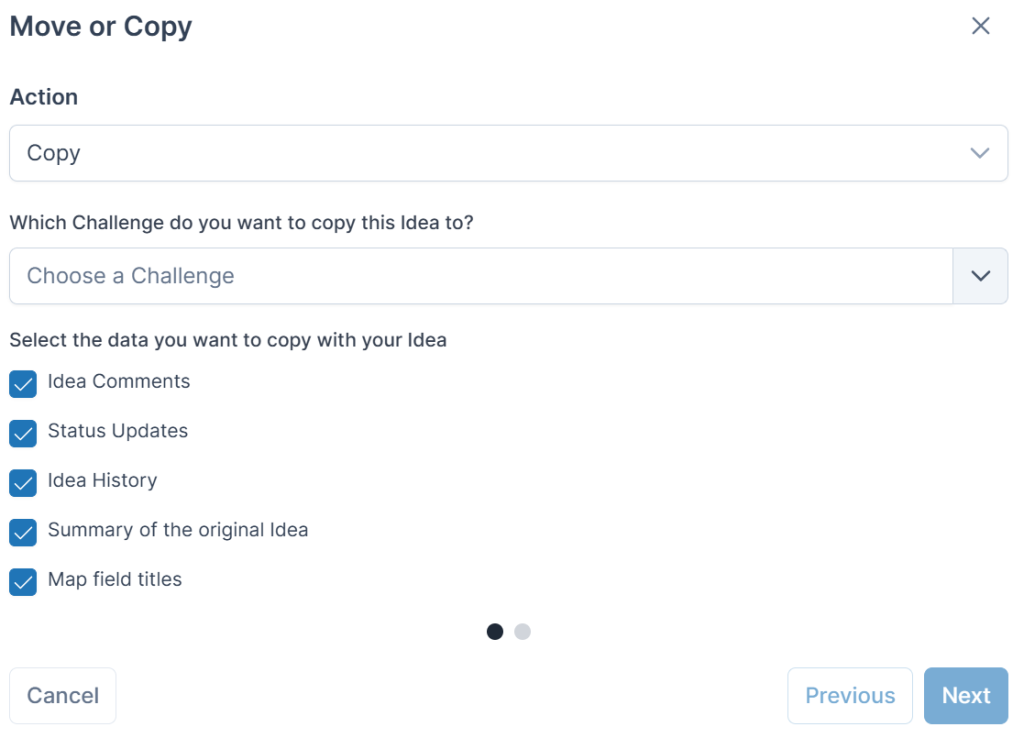
 - Select Copy as the Action.
- Choose the destination Challenge.
- Select the destination Stage.
- Select the data you want to copy to the new Idea.
- Click Next.
- Map the existing form fields to the fields available in the destination Stage.
- Click Confirm.
Tip: You can map content from any field type to another field of any type, multiple fields can be mapped to the same text field, and fields with defined options can be mapped to another field if it includes matching defined options.
Note: Only open Stages are available when selecting the destination Stage.
If you do not map an existing form field to a field in the destination Stage, that data will not be copied across.
See also