

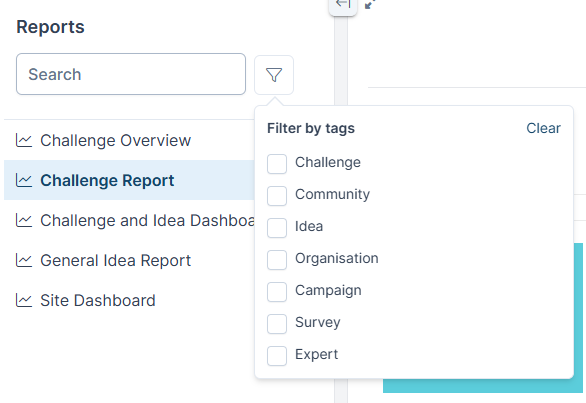
Tags help organise Reports. Assign tags to reports and then you can use them to filter reports.
Who can do this? Designer Licence Member and Admins can manage tags. Everyone can filter by tags.
Filter by Tags
Manage Tags
- In the Reports list select the report you wish to manage
- Select the 3 dot icon and then Manage tags
- Select the tags you wish to use from the Available to add list. They will move to the Current tags list.
- Or deselect tags from the Current tags list
- Close to save changes
