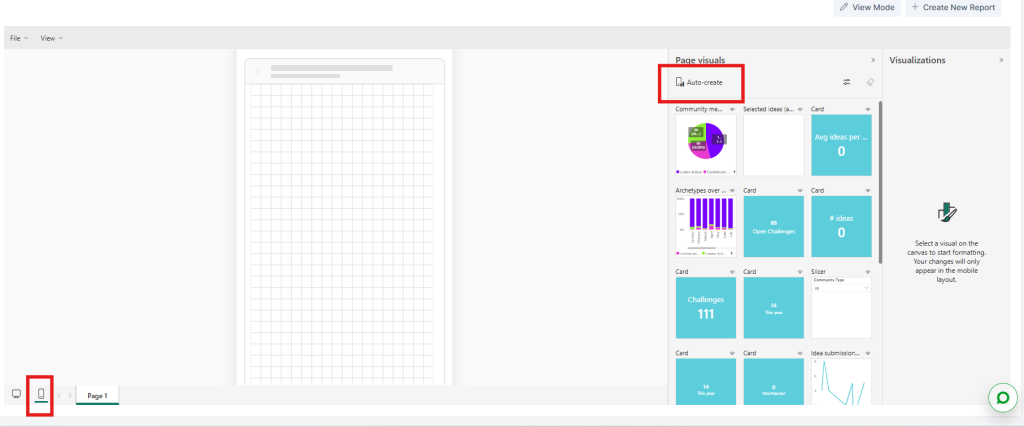
When creating reports you can also create mobile versions to ensure your reports display correctly on phones and tablets.
- Go to any Report in edit mode
- Select the Mobile layout view on the bottom left
- Then either select Auto-create at the top of the Page Visuals column and then edit the visualizations in the mobile view pane
- Or drag and drop visualizations onto the mobile view pane as you please.
- When you are happy select Save from the File menu