

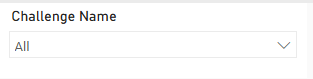
It can be useful to add a challenge filter option to Reports so you can filter the data in your report to a specific challenge. If you follow the steps below you will create a filter like the one shown below:
1. Navigate to the Report you wish to add the filter to and switch to Edit mode
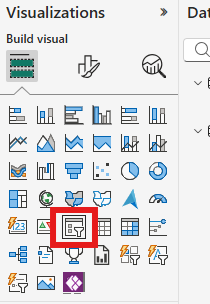
2. Select the Slicer visual from the options
3. From the Data column select Challenge Name from the Challenge Table
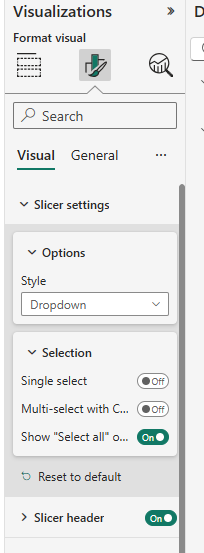
4. In Format visual > Slicer Settings > Options select Dropdown
5. In Format visual > Slicer Settings > Selection select show Select all
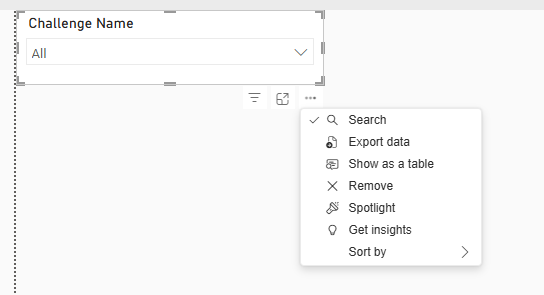
6. Select the 3 dots on your table and tick Search on
7. Resize your table and position it as you wish