

If you’re looking for a specific Challenge or Idea, or just want to browse available content, you can always use the search option to find what you’re looking for.
Start a search
- Click the Search field in the platform header.
- Type what you’re looking for into the search field.
- Press Enter.
You will be redirected to a Search results page and presented with any search results that match your search criteria. There you can filter the results by entity, such as Ideas, Challenges, Users.
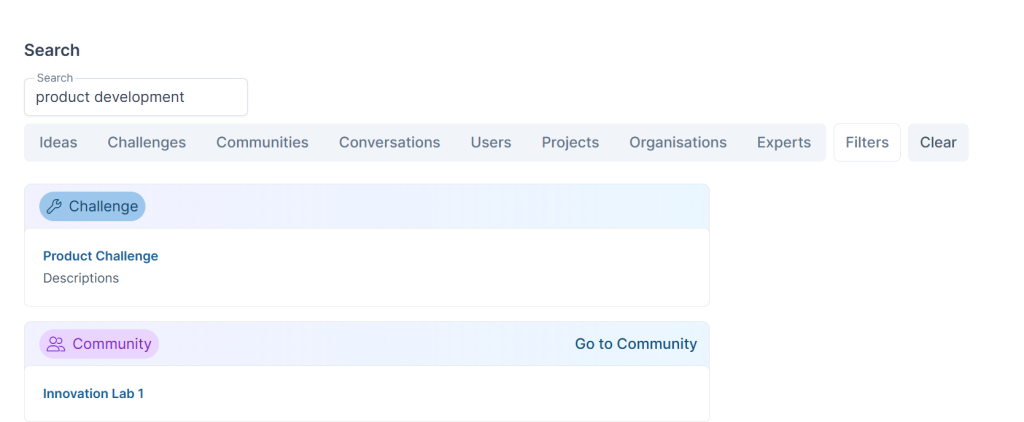
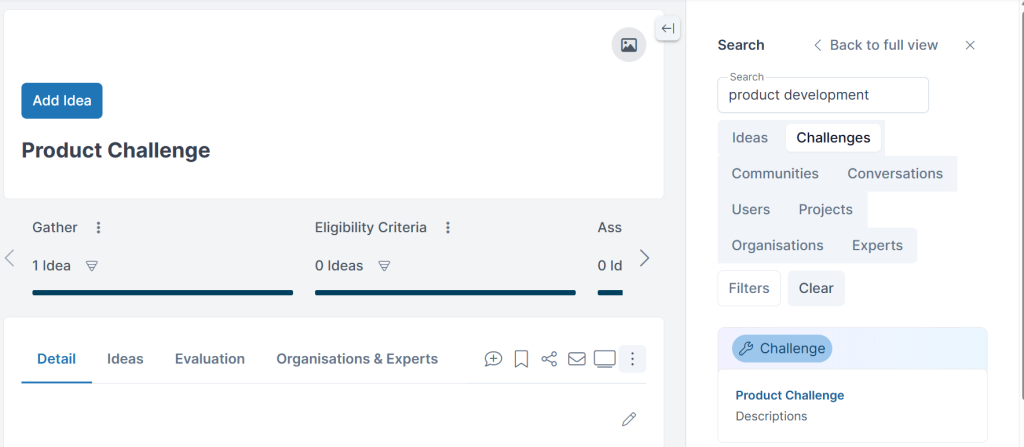
You can navigate directly to the results found and also easily return to your search results via the split pane view.
See also