

This feature allows Admins to toggle between Admin and End User view so they can preview how certain content appears for the end user. This is available on home pages and on challenges and ideas.
Who can do this? Site Admin, Community Admin
On home pages
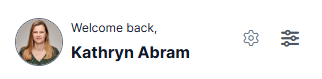
When on any home page the top left block shows the view switcher. Select the screen icon to change to end user view. The icon then changes to a cog.
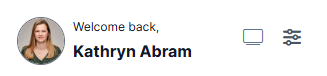
To switch back to Admin view select the cog icon.
On Challenges and Ideas
The view switcher is shown on the challenge and idea page action bars.
- Select the screen icon
 to change to end user view. The icon then changes to a cog.
 - To switch back to Admin view select the cog icon
 .
.