

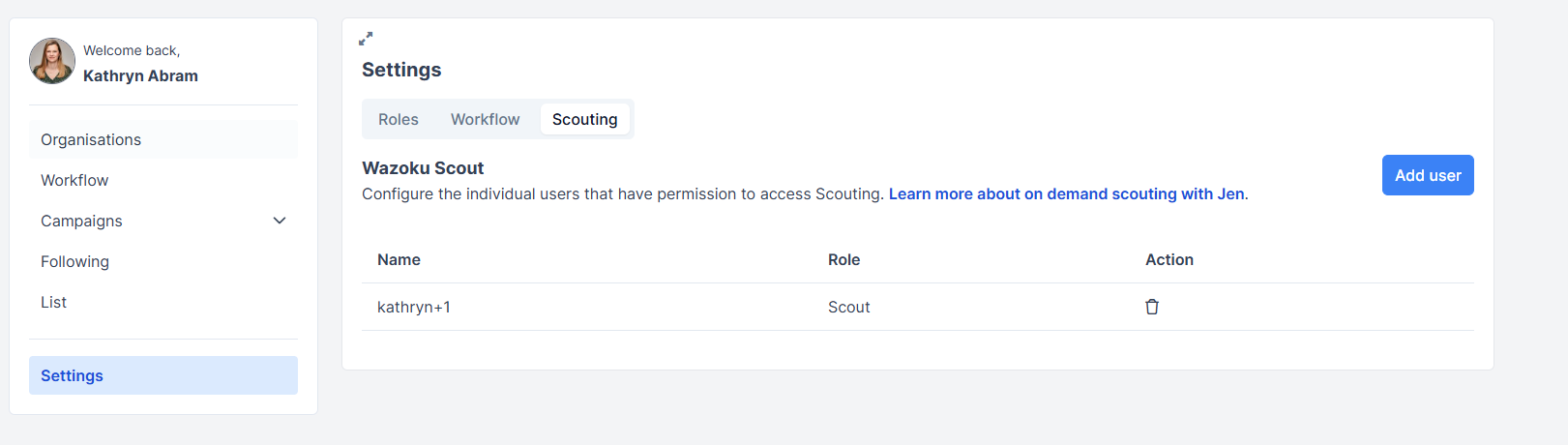
You can configure the users that have permission to access Wazoku Scout.
Who can do this? Site Admins, Ecosytem Manager
Note: Your Innovation Consultant must turn on Wazoku Scout feature to enable this
Add users as Scouts
- Go to your platform home page.
- Select Ecosystem Management> Settings
- Then go to the Scouting tab
- Select Add user and enter a user name or email address and select it from the list.
- Click Save.
Users added as Scouts will see a new icon for Jen and can start a new Jen chat.
Delete users as Scouts
- Go to your platform home page.
- Select Ecosystem Management> Settings
- Then go to the Scouting tab
- Select the delete icon next to the user you wish to remove as a Scout
See also